
U.S. Department of Transporation – Federal Motor Carrier Safety Administration – Instructor Orientation Course
While working as a Multimedia Specialist for the U.S. Department of Transportation / Federal Motor Carrier Safety Administration National Training Center Headquarters in Arlington, VA. I created this Federal Motor Carrier Safety Administration – Instructor Orientation Course E-Learning course to give an orientation to potential FMCSA Instructor candidates going through the process of becoming Instructors themselves.
Click the links below to view and interact with fully functioning archived versions of the FMCSA – Instructor Orientation Course in a separate window:
- FMCSA – Instructor Orientation Course – Student Login
Student Name: Enter name used for course & certificate
(Demo) Password: 1234 - FMCSA – Instructor Orientation Course – Admin Login
Student Name: Enter name used for course & certificate
(Demo) Password: 1234 - FMCSA – Instructor Orientation Course – Main Menu
- FMCSA – Instructor Orientation Course – Module 1
- FMCSA – Instructor Orientation Course – Module 2
- FMCSA – Instructor Orientation Course – Module 3
- FMCSA – Instructor Orientation Course – Module 4
- FMCSA – Instructor Orientation Course – Module 5
My Task
Task
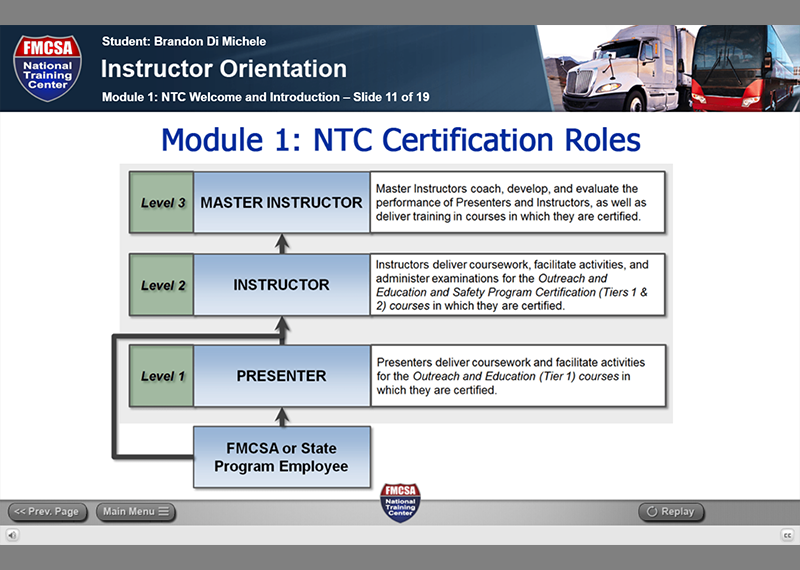
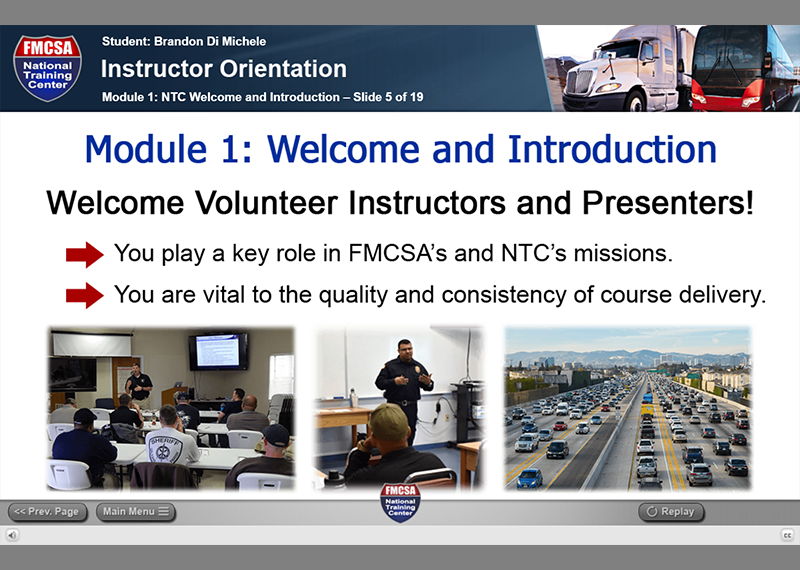
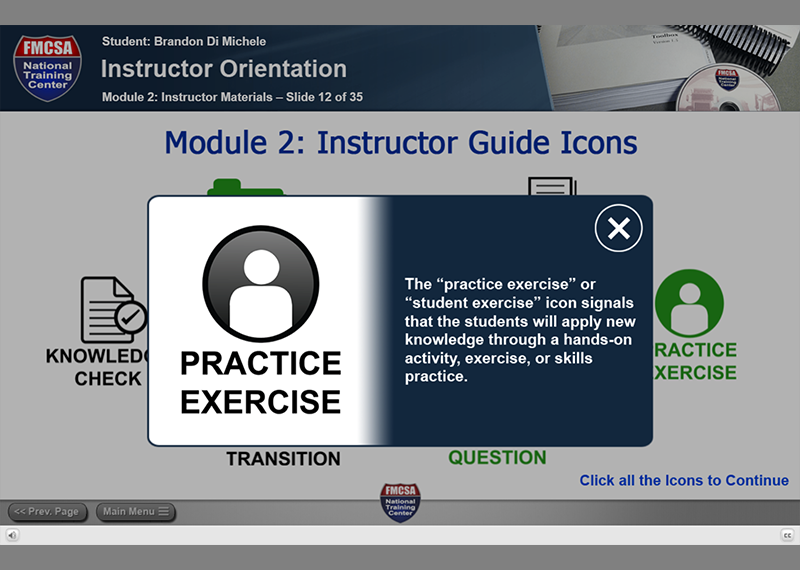
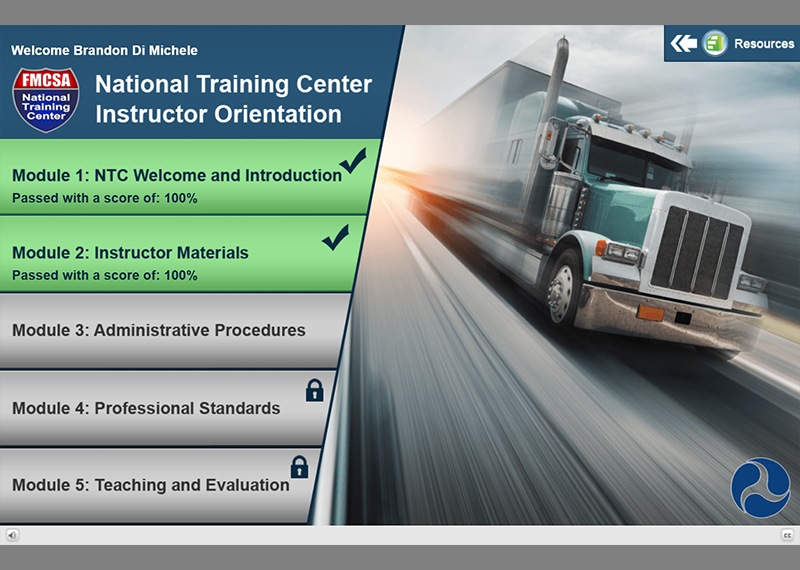
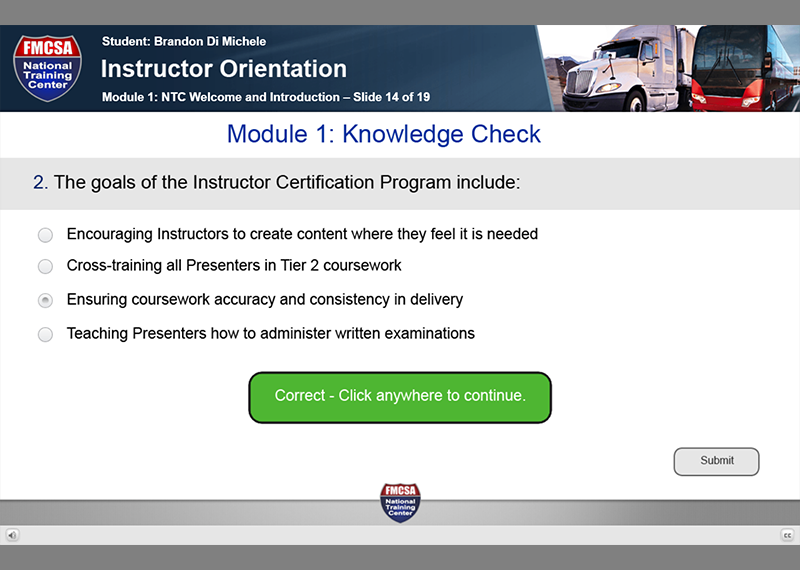
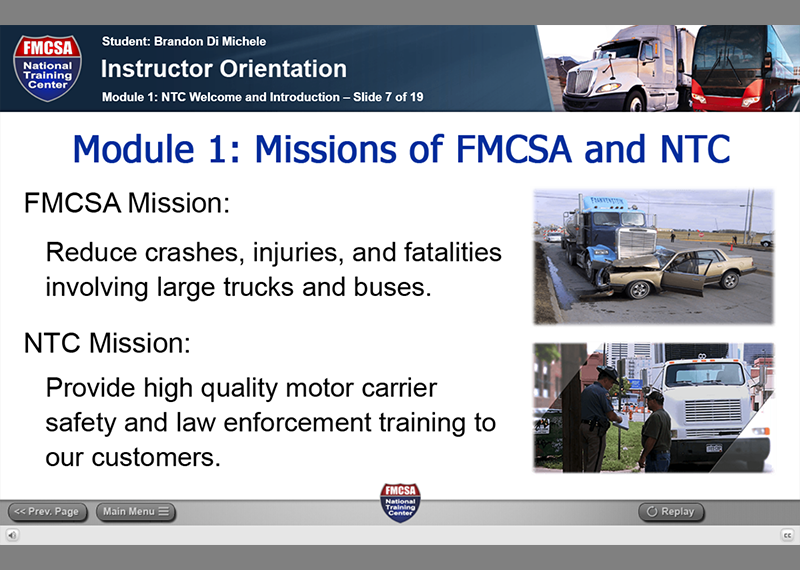
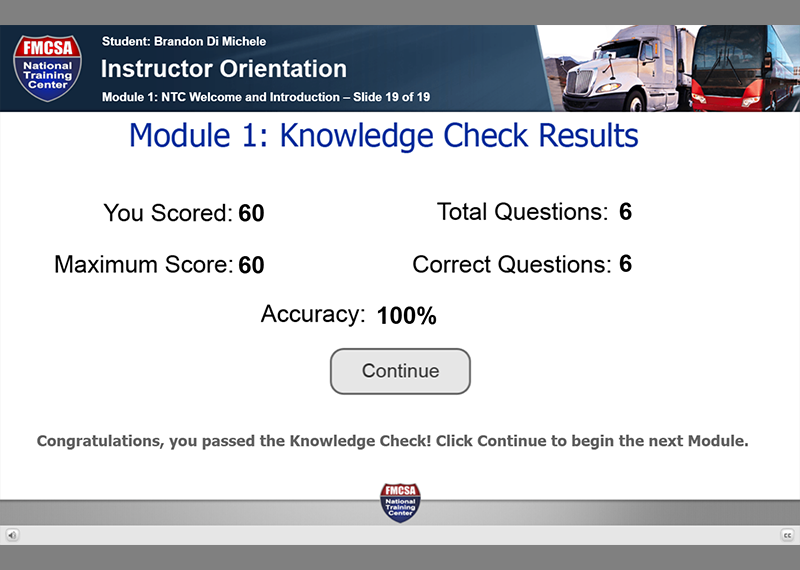
I was tasked with creating an E-Learning course for the FMCSA’s National Training Center – Instructor Orientation Course that I created completely from scratch using the latest methods in Adobe Captivate. I had weekly meetings with the FMCSA NTC officials in charge of the program and based on their feedback, input, and curriculum I created all aspects of the course including, layout, programming, interactivity, audio capture and editing, etc. This course was made to be used with or without being connected to an E-Learning LMS and I made it so that it is self scoring for the testing and remediation portions of the course by utilizing Adobe Captivate’s ability to make use of the web browser local storage method. Also included is a “Main Menu” interface that I created which displays the overall scoring and links for each separate module of the course, and is progressively unlocked when a passing grade is achieved for each module. After all modules have been unlocked then the user receives a course completion certificate with the name on it that they registered when logging into the Student or Admin logins. I made Student and Admin logins that function differently when used as when a user logs in with the Admin login they do not have to wait for each slide / section of the course to complete before being given the ability to continue to the next slide or to successfully pass each module before being given the unlock ability to advance to the next module. Whereas the Student login users must wait for each entire slide / section to be presented before they are given the ability to advance to the next section and must achieve a passing grade for each module in order to unlock the link to advance to the next module in the Main Menu. I programmed all of the testing and scoring at the end of each module to have remediation and if a user gets it wrong to take them to the section where the correct information was presented and reshow it to them. I also captured, edited and optimized all audio using a co-workers voice and made closed captions options for the entire course as well.
Skills Involved
Skills
- E-Learning
- Adobe Captivate
- Interactive Programming
- Animation
- Web Design & Development
- UI / UX Design & Development
- Learning Management Systems
- Audio Production
- XHTML
- jQuery
- Layout
- Photoshop
- Graphic Design
- JavaScript

